Student Features
- Tutor discovery with subject-aware browsing and detailed tutor profiles.
- Availability-based booking flow with protected checkout states.
- Student dashboard for sessions, notifications, profile updates, and reviews.
Tutoring Marketplace Platform
A tutoring marketplace where students discover tutors, book live sessions, pay securely, and manage learning workflows through role-aware dashboards.
 Live
LiveOverview
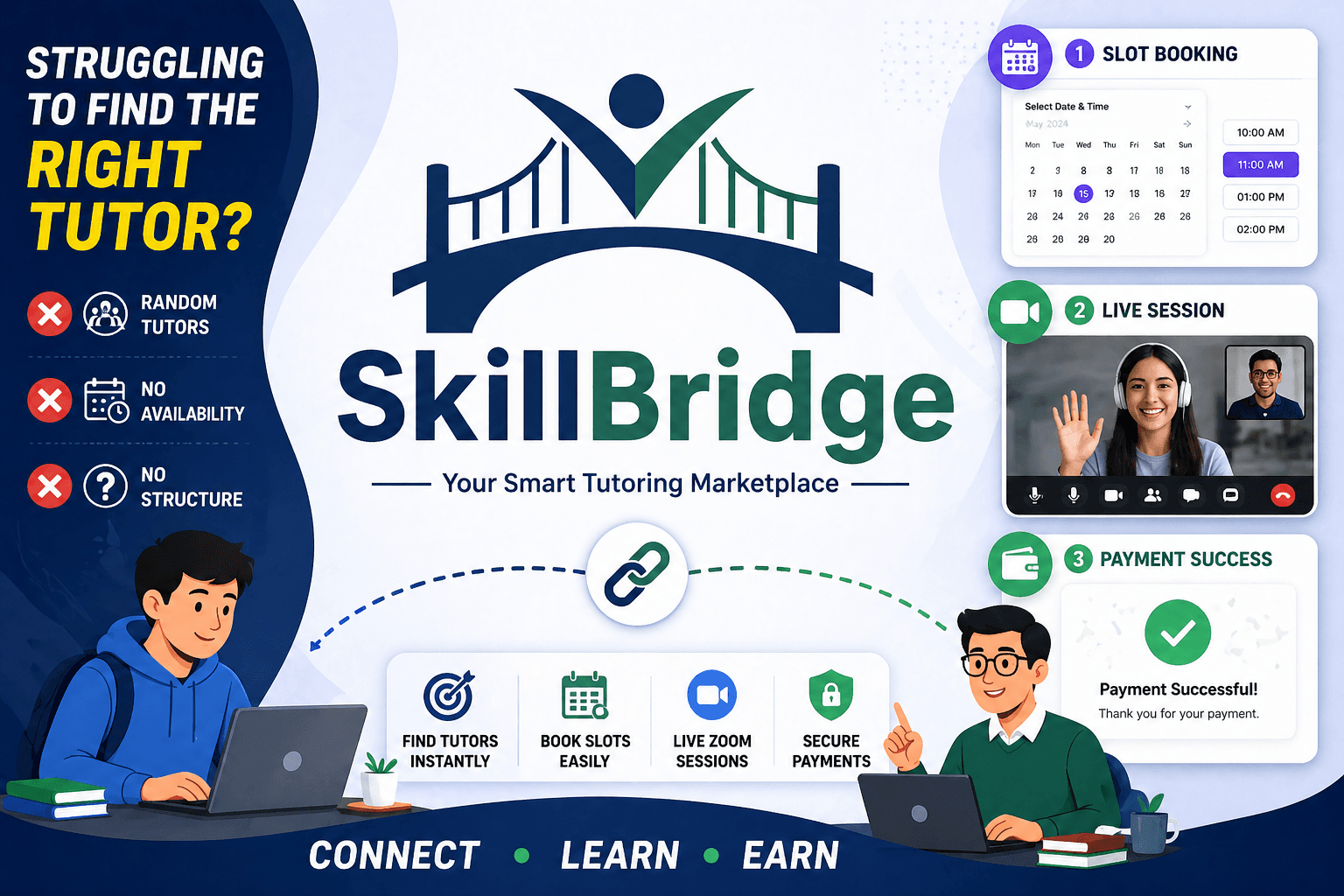
SkillBridge is a SaaS-style tutoring platform built around the full journey from tutor discovery to session management. Students can find suitable tutors, book available slots, complete payment, and track sessions, while tutors and admins get dedicated dashboards for operating the platform.
Problem / Purpose
The project was built to solve the friction of scattered tutoring workflows. Instead of separating discovery, scheduling, payment, and communication into different tools, SkillBridge brings the core marketplace flow into one structured product experience.
Key Features
Tech Stack
Architecture / How It Works
SkillBridge uses a split frontend and backend architecture where the frontend handles role-aware experiences and the backend owns business rules, authentication, payments, and persistence.
Students browse tutors, inspect profile details, select a subject and available slot, then start a booking flow that is validated by the backend.
The backend creates a temporary booking hold before Stripe checkout so the selected slot is not treated as confirmed until payment succeeds.
Successful payment updates booking and session state, then dashboard surfaces reflect the confirmed tutoring session for the right roles.
Students, tutors, and admins see different dashboard modules while sharing a consistent protected route and session model.
Screenshots / Visual Walkthrough
The public entry point explains the tutoring marketplace and routes users toward tutor discovery.
Students can compare tutors by subject, profile strength, and availability before booking.
Role-specific dashboards keep student, tutor, and admin actions separated and easier to scan.
Payment screens are tied to booking state so users receive clear success and failure feedback.
Challenges & Solutions
Challenge
Keeping the booking and payment states reliable.
Solution
I treated checkout as a multi-step workflow with temporary booking holds and backend verification before rendering final payment states.
Challenge
Supporting multiple user roles without making the UI feel fragmented.
Solution
I separated dashboard surfaces by role while keeping shared layout, navigation, and protection patterns consistent.
Challenge
Balancing product depth with maintainable code organization.
Solution
I used feature-oriented frontend and backend boundaries so bookings, payments, users, and admin tools could grow independently.
What I Learned
Final Links / CTA
Open the live product, review the repository, or return to the full projects archive.